3D Charts
Install:
dotnet add package MatPlotLibNet
MatPlotLibNet includes a full 3D projection pipeline. Projection3D takes coordinates from World to View to NDC to Pixel. DepthQueue3D applies the painter's algorithm. Vec3.FaceNormal provides face-normal shading through the Color.Shade and Color.Modulate extensions. Svg3DRotationScript adds client-side rotation to an SVG.
Surface plot
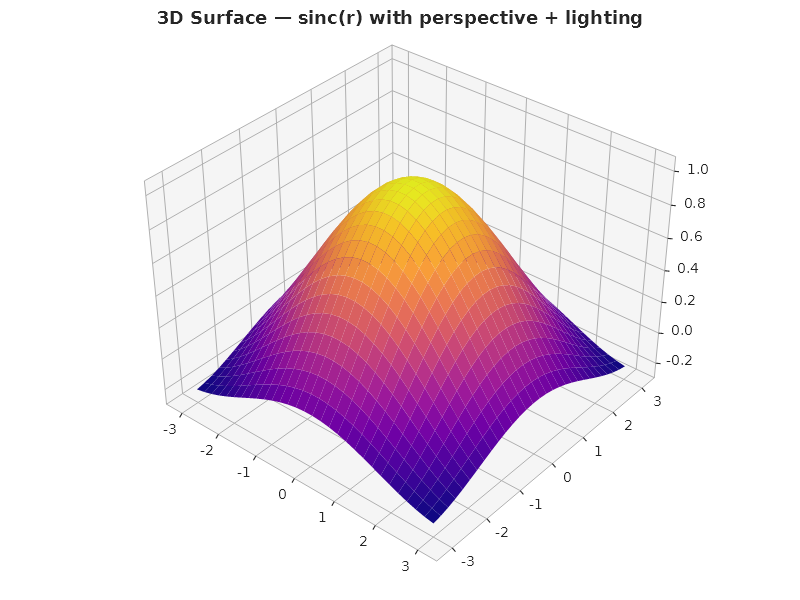
Plt.Create()
    .WithTitle("3D Surface — sinc(r)")
    .WithSize(800, 600)
    .AddSubPlot(1, 1, 1, ax => ax
        .WithCamera(elevation: 35, azimuth: -50, distance: 6.0)
        .WithLighting(dx: 0.5, dy: -0.5, dz: 1.0, ambient: 0.3, diffuse: 0.7)
        .Surface(x, y, z, s =>
        {
            s.ColorMap = ColorMaps.Plasma;
            s.ShowWireframe = false;
            s.Alpha = 1.0;
        }))
    .Save("surface.svg");
3D Scatter
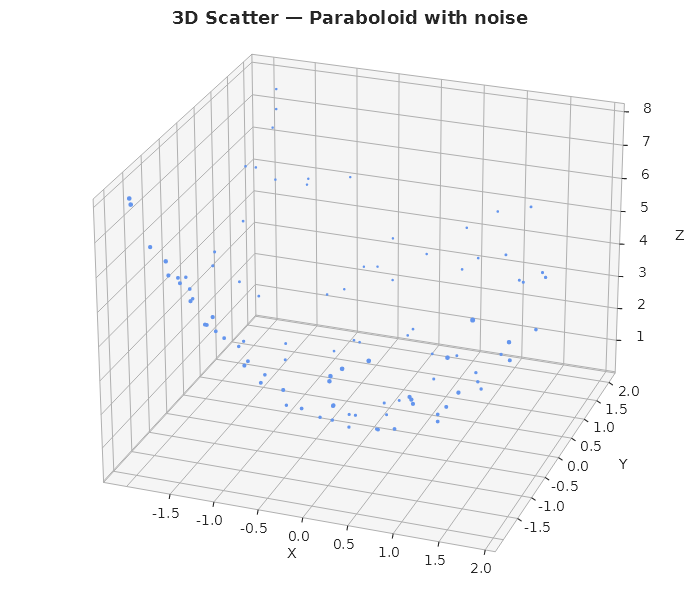
Plt.Create()
    .WithTitle("3D Scatter — Paraboloid")
    .AddSubPlot(1, 1, 1, ax => ax
        .WithCamera(elevation: 25, azimuth: -70)
        .Scatter3D(x, y, z, s => { s.Color = Colors.CornflowerBlue; s.MarkerSize = 5; }))
    .Save("scatter3d.svg");
3D Bar chart with interactive rotation
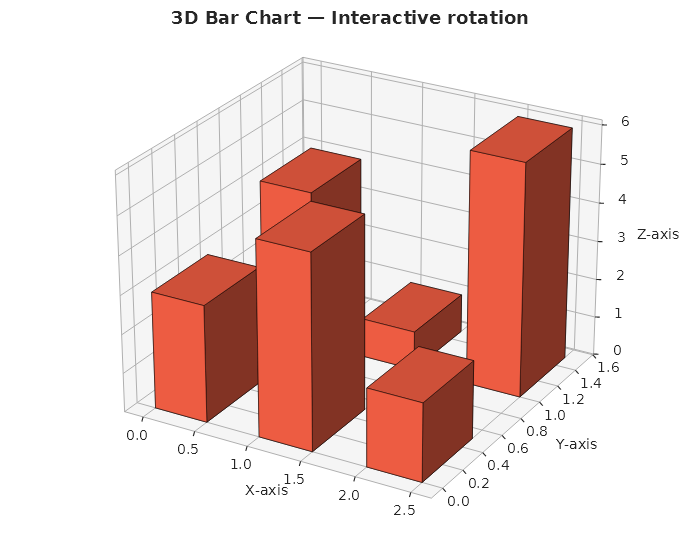
Plt.Create()
    .WithTitle("3D Bar Chart")
    .With3DRotation()
    .AddSubPlot(1, 1, 1, ax => ax
        .WithCamera(elevation: 25, azimuth: -60)
        .WithLighting(dx: -0.4, dy: -0.8, dz: 0.45)
        .Bar3D(x, y, z, s => { s.Color = Colors.Tomato; s.BarWidth = 0.5; }))
    .Save("bar3d.svg");
The axis frame follows the camera
Any azimuth works, including the ones that swing the cube past the matplotlib default view. Each render picks the shaded panes, the drawn cube edges, the wall grids and the X/Y/Z tick rows from the camera. The pane always sits on the face pointing away from you, and a tick row never ends up behind the data (#18). Dragging an interactive chart past ±90° re-runs the same selection in the browser, so the frame jumps to the other side exactly as matplotlib's does.
A Pane3DConfig colour names the axis whose wall it paints, not a fixed side of the cube.
LeftWallColor is the X-axis wall, RightWallColor is the Y-axis wall, and FloorColor is the Z
floor.
Axis titles keep clear of their own tick labels. The gap is measured from the labels the
axis actually draws, so a larger tick font or a custom TickFormatter pushes the title further
out. There is no pad to tune.
Plt.Create()
    .AddSubPlot(1, 1, 1, ax => ax
        .WithCamera(elevation: 30, azimuth: -145)   // outside the default quadrant
        .WithPane3D(p => p with { LeftWallColor = Color.FromHex("#EDF2F7"), Alpha = 0.85 })
        .Bar3D(x, y, z))
    .Save("bar3d-rotated.svg");
Grouped 3D bars
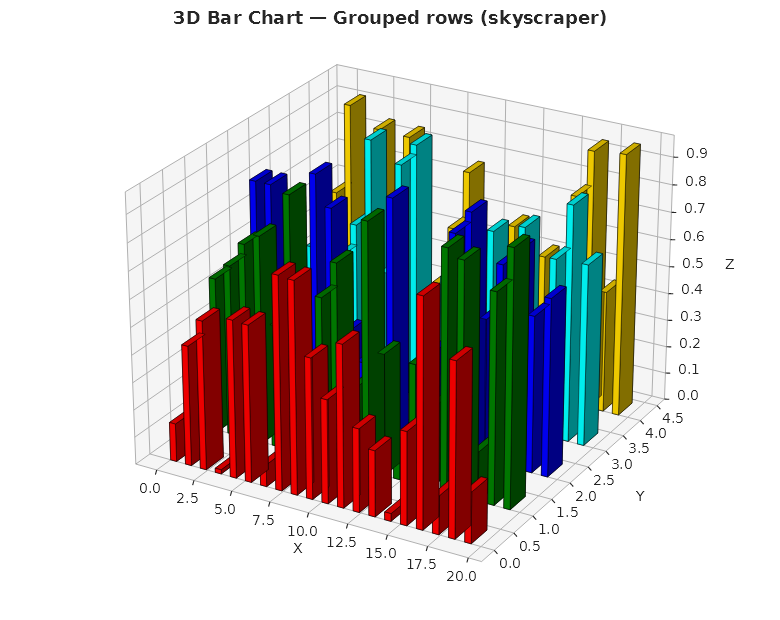
Multiple Bar3D series share depth sorting automatically:
Planar 3D bars
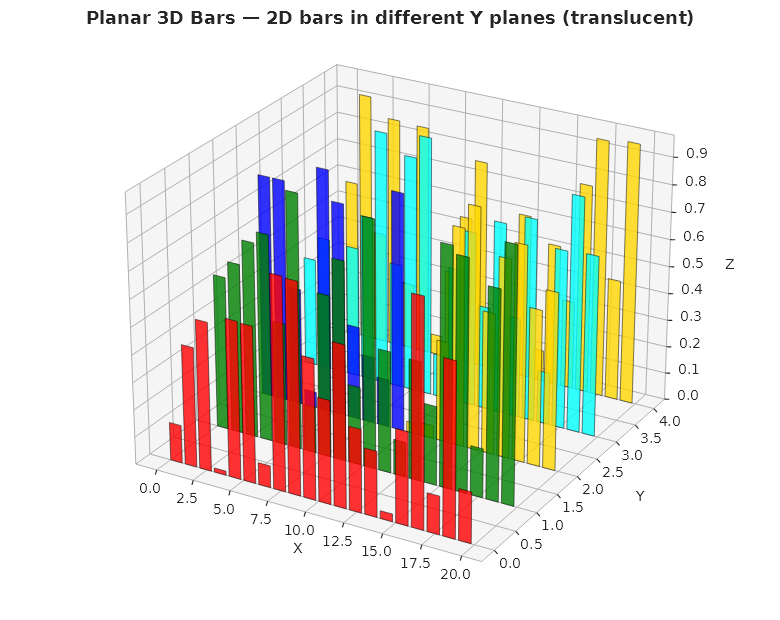
Planar 3D bars are flat translucent rectangles on discrete Y planes:
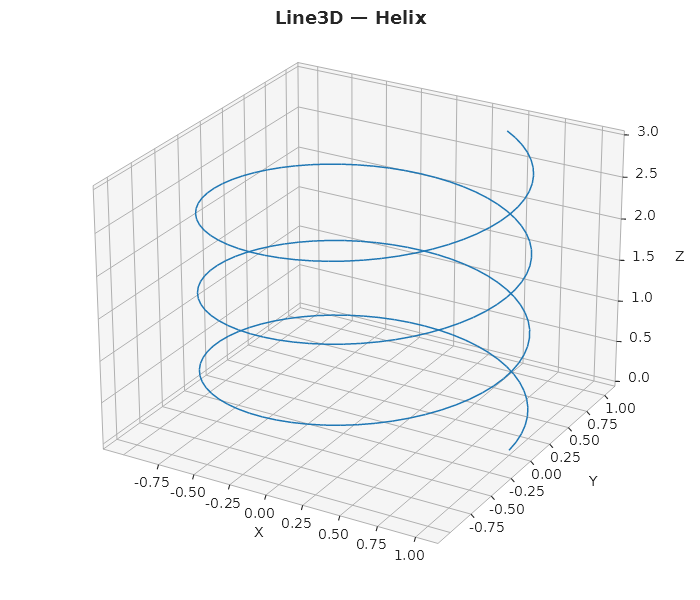
Line3D — helix polyline
double[] t = Enumerable.Range(0, 200).Select(i => i * 0.1).ToArray();

Plt.Create()
    .WithTitle("Line3D — Helix")
    .With3DRotation()
    .AddSubPlot(1, 1, 1, ax => ax
        .Plot3D(t.Select(v => Math.Cos(v)).ToArray(),
                t.Select(v => Math.Sin(v)).ToArray(),
                t.Select(v => v * 0.15).ToArray(),
                s => { s.Color = Colors.Tab10Blue; s.LineWidth = 1.5; })
        .WithCamera(elevation: 25, azimuth: -60))
    .Save("line3d.svg");
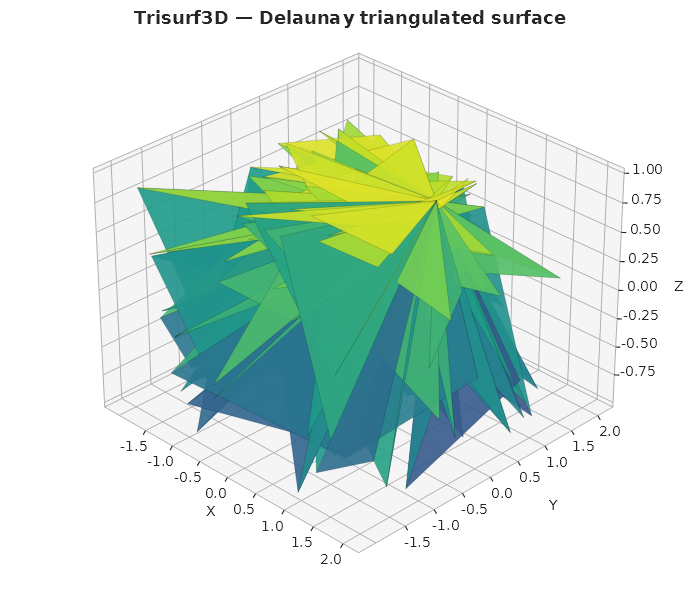
Trisurf3D — Delaunay triangulated surface
Plt.Create()
    .WithTitle("Trisurf3D")
    .With3DRotation()
    .AddSubPlot(1, 1, 1, ax => ax
        .Trisurf(x, y, z, s =>
        {
            s.ColorMap = ColorMaps.Viridis;
            s.Alpha = 0.9;
            s.ShowWireframe = true;
        })
        .WithCamera(elevation: 30, azimuth: -45))
    .Save("trisurf.svg");
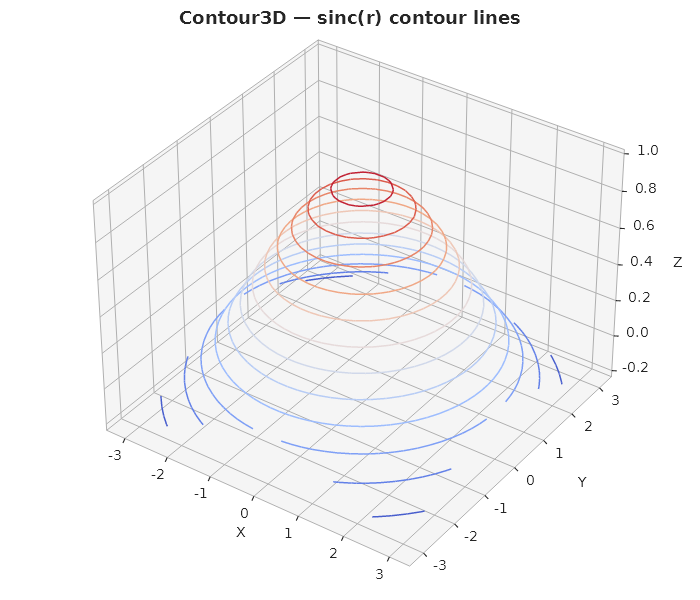
Contour3D — contour lines in 3D
Plt.Create()
    .WithTitle("Contour3D — sinc(r)")
    .With3DRotation()
    .AddSubPlot(1, 1, 1, ax => ax
        .Contour3D(x, y, z, s =>
        {
            s.Levels = 12;
            s.ColorMap = ColorMaps.Coolwarm;
            s.LineWidth = 1.5;
        })
        .WithCamera(elevation: 35, azimuth: -55))
    .Save("contour3d.svg");
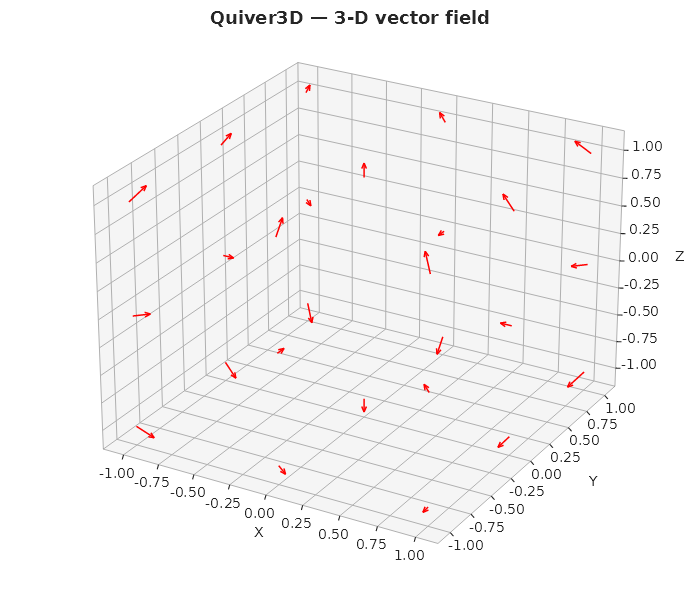
Quiver3D — 3D vector field
Plt.Create()
    .WithTitle("Quiver3D — 3-D vector field")
    .With3DRotation()
    .AddSubPlot(1, 1, 1, ax => ax
        .Quiver3D(x, y, z, u, v, w,
            s => { s.Color = Colors.Red; s.ArrowLength = 0.25; })
        .WithCamera(elevation: 25, azimuth: -60))
    .Save("quiver3d.svg");
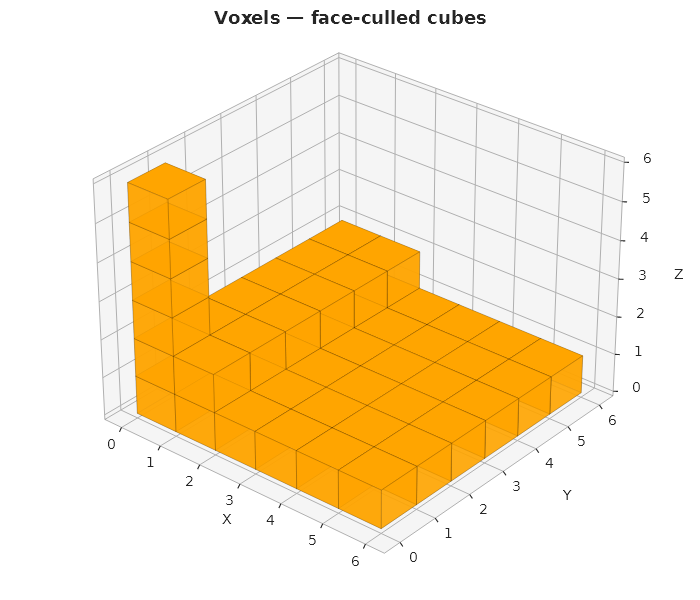
Voxels — volumetric cubes
var filled = new bool[6, 6, 6];
// Create an L-shaped structure with a pillar
// ...

Plt.Create()
    .WithTitle("Voxels — face-culled cubes")
    .With3DRotation()
    .AddSubPlot(1, 1, 1, ax => ax
        .Voxels(filled, s => { s.Color = Colors.Orange; s.Alpha = 0.85; })
        .WithCamera(elevation: 30, azimuth: -50))
    .Save("voxels.svg");
Text3D — 3D annotations
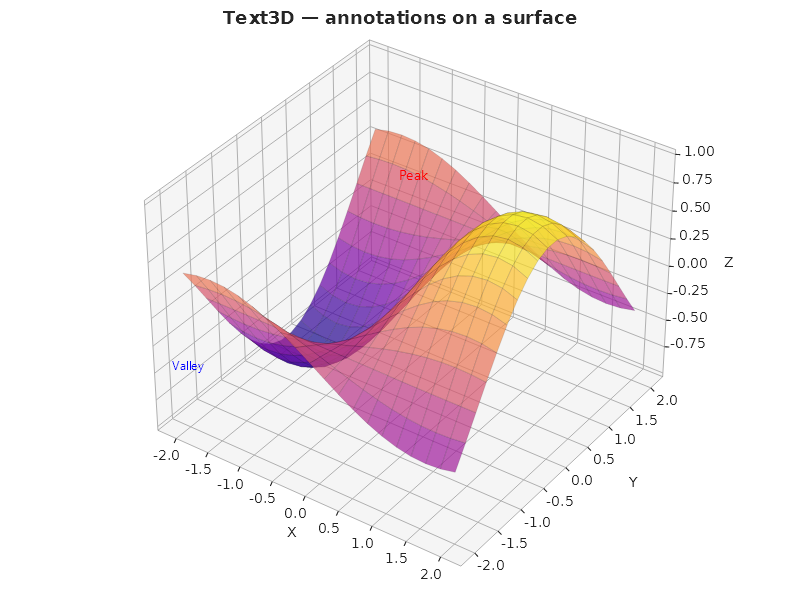
Plt.Create()
    .WithTitle("Text3D — annotations on a surface")
    .With3DRotation()
    .AddSubPlot(1, 1, 1, ax => ax
        .Surface(x, y, z, s => { s.ColorMap = ColorMaps.Plasma; s.Alpha = 0.7; })
        .Text3D(0, 0, 1.0, "Peak", s => { s.Color = Colors.Red; s.FontSize = 14; })
        .Text3D(-2, -2, -0.5, "Valley", s => { s.Color = Colors.Blue; s.FontSize = 12; })
        .WithCamera(elevation: 35, azimuth: -55))
    .Save("text3d.svg");